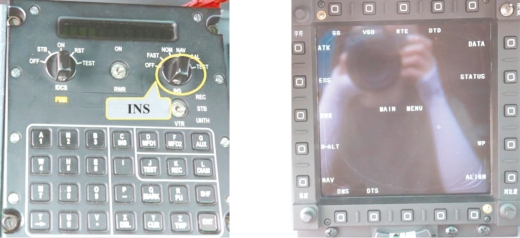
Alignment of INS

Normal Alignment:Put INS switch to“NORM”position to activate normal alignment mode.In the first 4 minutes,the alignment mode is displayed as“FAST”;in the latter 4 minutes,the alignment mode is displayed as“NORM”instead.In 8 minutes,the display of“ALIGN IN PROGRESS”will change into“END OF ALIGN”,calling an end to the alignment.Then put the“INS”switch to“NAV”position and the page of HSD will be displayed.(https://www.daowen.com)
Fast Alignment:Put INS switch to“NAV”position and the alignment mode will be displayed as“FAST”.About 3 minutes later,the HSD page will be displayed automatically,calling an end to the alignment.